Introduction
As of last month, I used to be very religiously anti-AI. I would refuse to use it to debug my code, read over my work, and silently shame others when I saw people using it to automate tasks. Beyond moral and ethical considerations, I genuinely love learning a new programming language or figuring out how things work myself slowly (I live for small “aha!” moments).
Although I still think the world would be a better place without generative AI (I do not think it has made any serious contributions to our society and I think we function fine on our own), I’ve realized it’s necessary to learn how to use it in modern-day corporate society. While talking about AI, my dad told me that it’s been months since he and his team have written a single line of code (something I’ve found utterly mind-blowing).
So, I gave in to vibe-coding. While vibe-coding, I’m trying to make it a habit to look over the source code and understand how the backend works so as big of a blackbox between the prompt I put in and the website it produces. I’ve also been writing my own code and asking an AI agent to debug. While far more efficient, it removes the satisfaction I get from pouring hours staring at lines of syntax and finally fixing the problem.
General Thoughts
I bought a Claude code pro subscription, and I’m genuinely so amazed at how flawlessly it runs (and simultaneously very scared for the future). I tried vibe coding last summer, and was so frustrated at the dumb mistakes it made, to the point that it would be faster to write the code myself. On the other hand, Claude will now produce a working output ten minutes after I submit the first prompt, and rarely has any bugs. It’s fully autonomous and I rarely had to check the source code (mostly just for small modifications I was too lazy to come up with a prompt for). I love that Claude can switch between plan and edit mode, it’s been very useful so far.
However, like with all agentic AI, it feels a little bit like playing a game of whack-a-mole: I’ll ask Claude to fix one thing, and it’ll fix it but undo another I made earlier. These little incidents make me realize that AI is, after all, just a prediction model…
Anyways, here’s some small projects I’ve vibe-coded over the past few week (note: none of these projects are fully vibe coded!):
1. “Mindful Browse”
Mindful Browse is a chrome extension that, given your input of a few blocked sites, will make you wait some time before proceeding to the site.
I’ve stayed away from a lot of YouTube/website blockers thinking “what if I’ll actually need to use the website?” and “if I turn it off to access something, will I ever enable it again?” and I hope this app will resolve that problem.
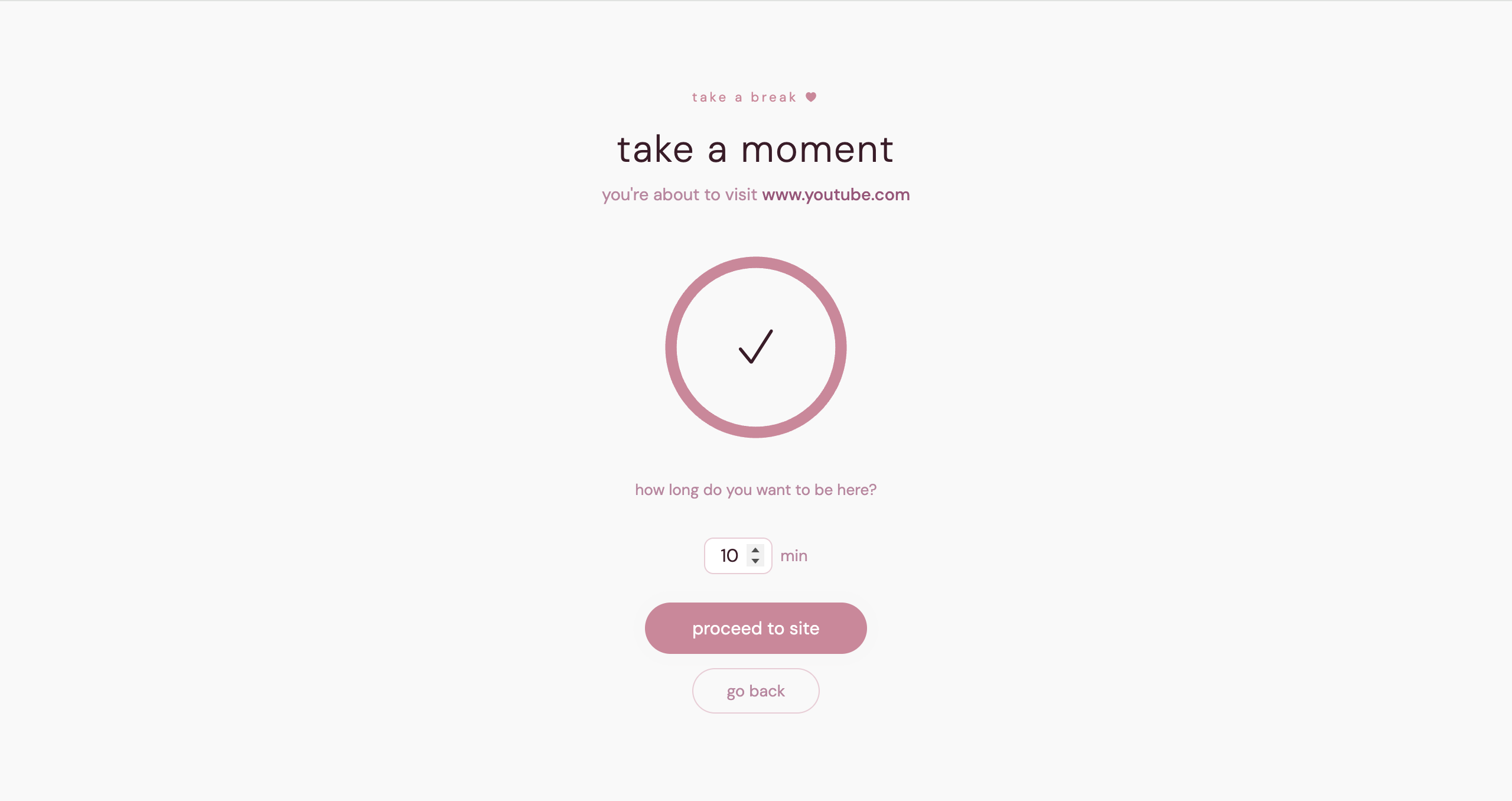
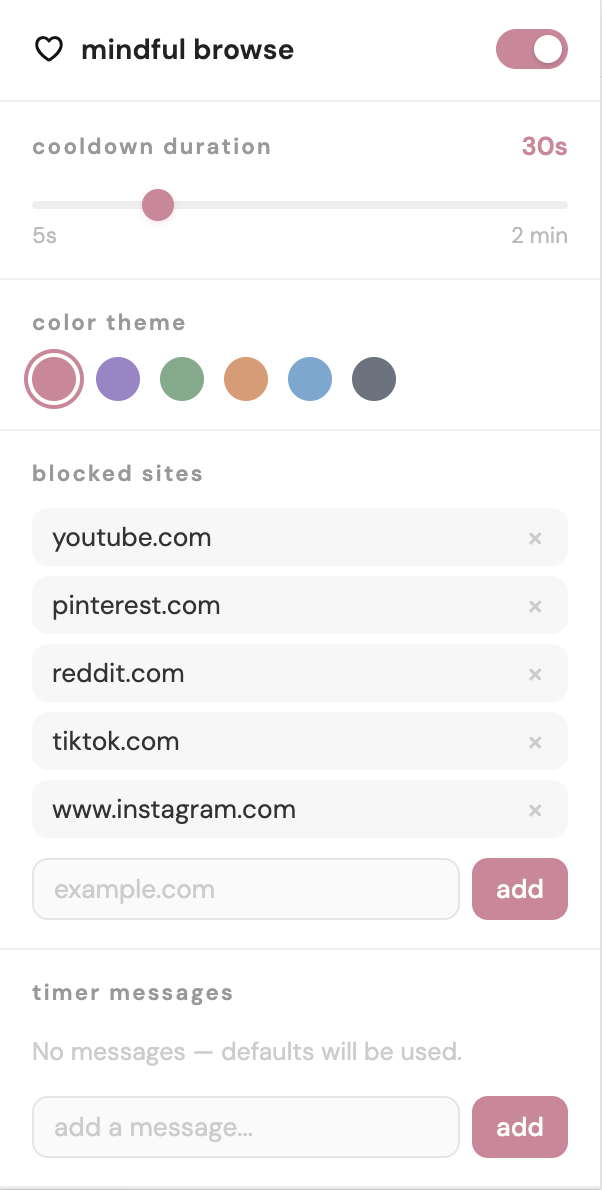
Beyond a practical standpoint, I’m so in love with the UI (colors, fonts, layout) I chose, I think all of the colors are so pretty. I love creating my own extensions because of the amount of things I can customize myself.
If you want to download this extension, you can do so here:
2. “Finite Feed”
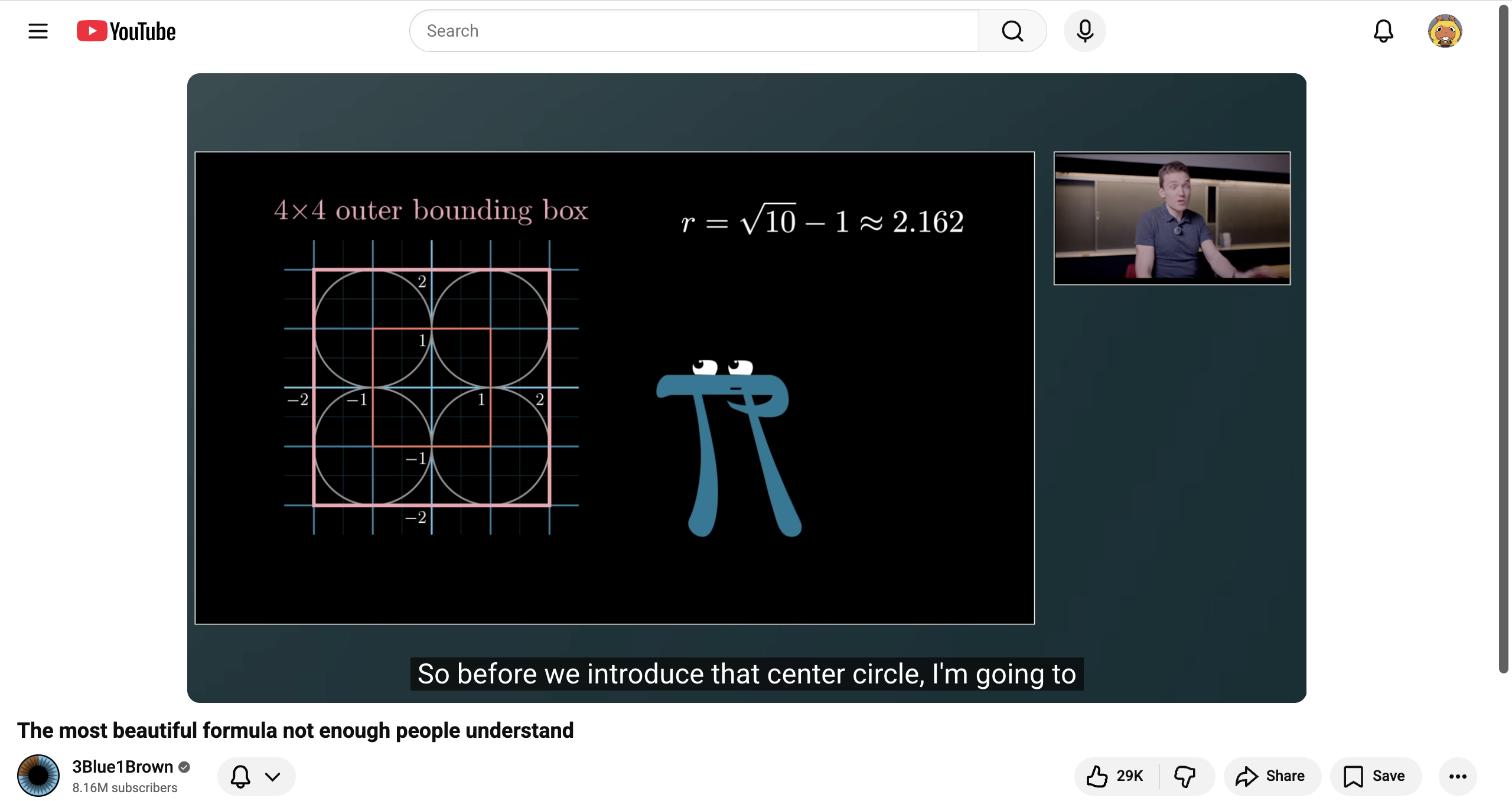
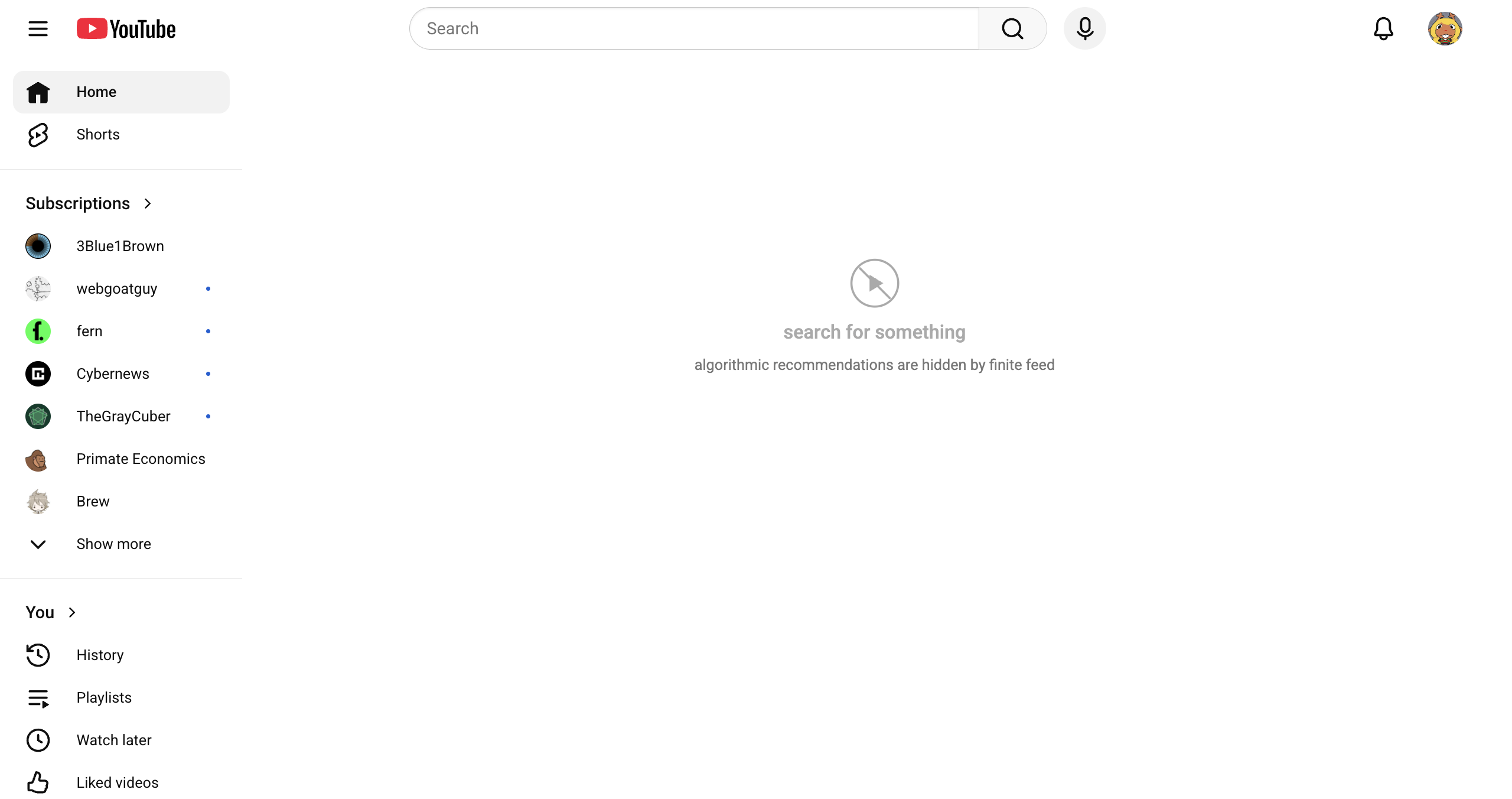
I guess I’m indirectly recommending certain youtube channels through my screenshot (but they’re all great if you want to check them out!!). Finite feed is an extension that completely gets rid of your youtube “feed,” both on the homepage of the app and when you look at a video. There isn’t much of a UI and it’s pretty simple, but it’s aesthetic in its own way.
3. “Notebook”
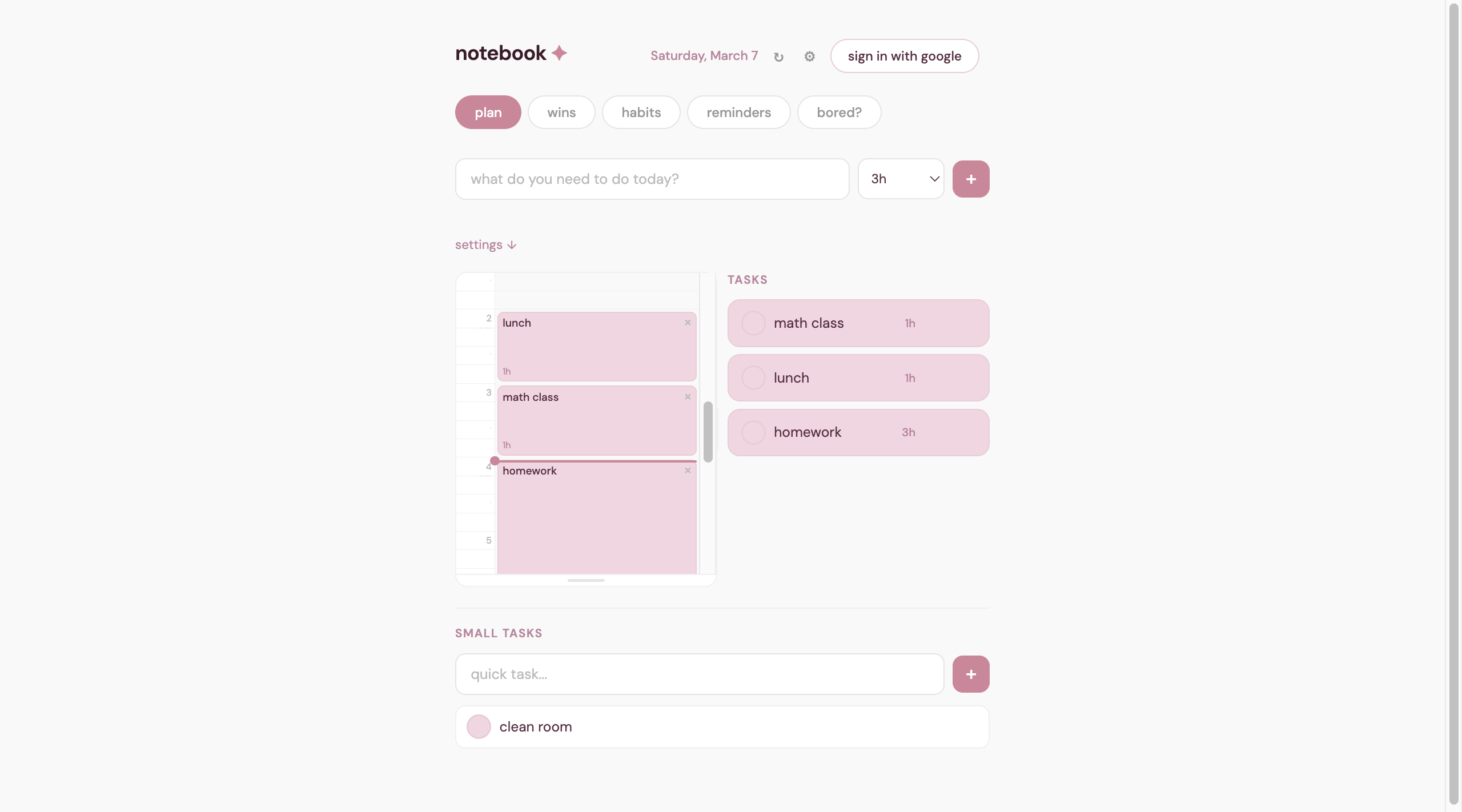
There’s probably already an app called notebook that I am not aware of, and there is definitely a website under the notebook.com domain. I’m trying to come up with better website names but I am currently feeling very uncreative. Anyways, the notebook has a lot of little pages that do various things that I find useful, its main focus being around the “plan” feature. The biggest struggle was having all of the information saved to a user’s google account, and I ended up saving the data as a .json file in the users account instead of a SQL database.
You can check the website out here: https://smallwintracker.netlify.app/
It’s designed to be pretty minimalistic: the uncompleted tasks carry over to the next day, so on and so forth, and you can drag-and-drop a task into the schedule view.
(I also added a bored tab to help with my YouTube withdrawals).
4. “Newsletters”
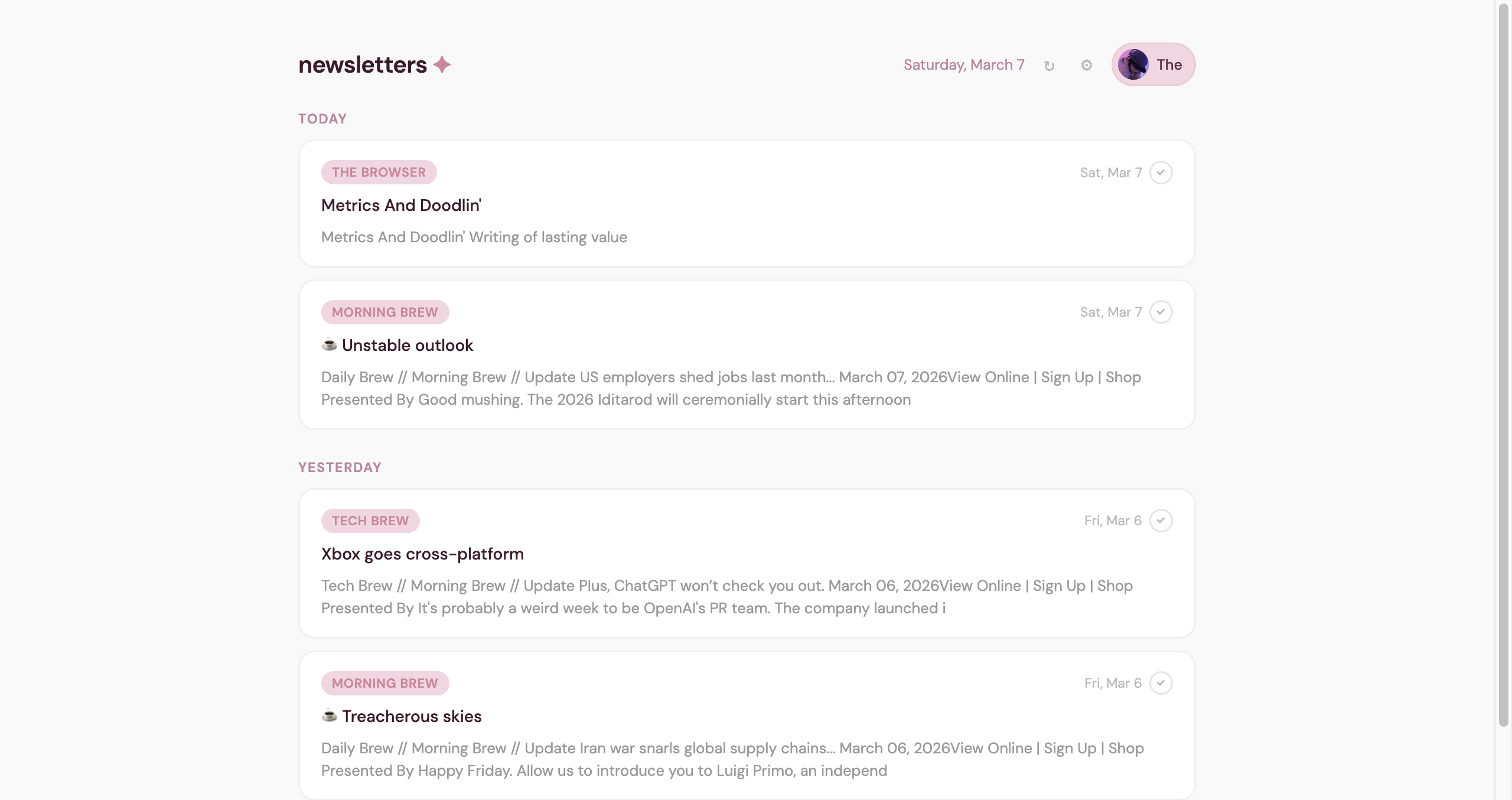
This is a little app that can fetch emails for you so I can go through my subscriptions each morning instead of having them lost in a sea of spam emails. It’s pretty convenient and I’ve been using it quite a bit recently, you can check it out here: https://dailynewsletters.netlify.app/
—
Thanks for reading my random post! I mostly wrote this to show off the cool little things I’ve made, but I hope you enjoyed it :)
Love, Kira